


Memes: Feelnotes XAPK
Tessan
- Version
- 4.0.1
- Size
- 52.5 MB
- Android
- 5.0+
- Category
- Tools
Screenshots

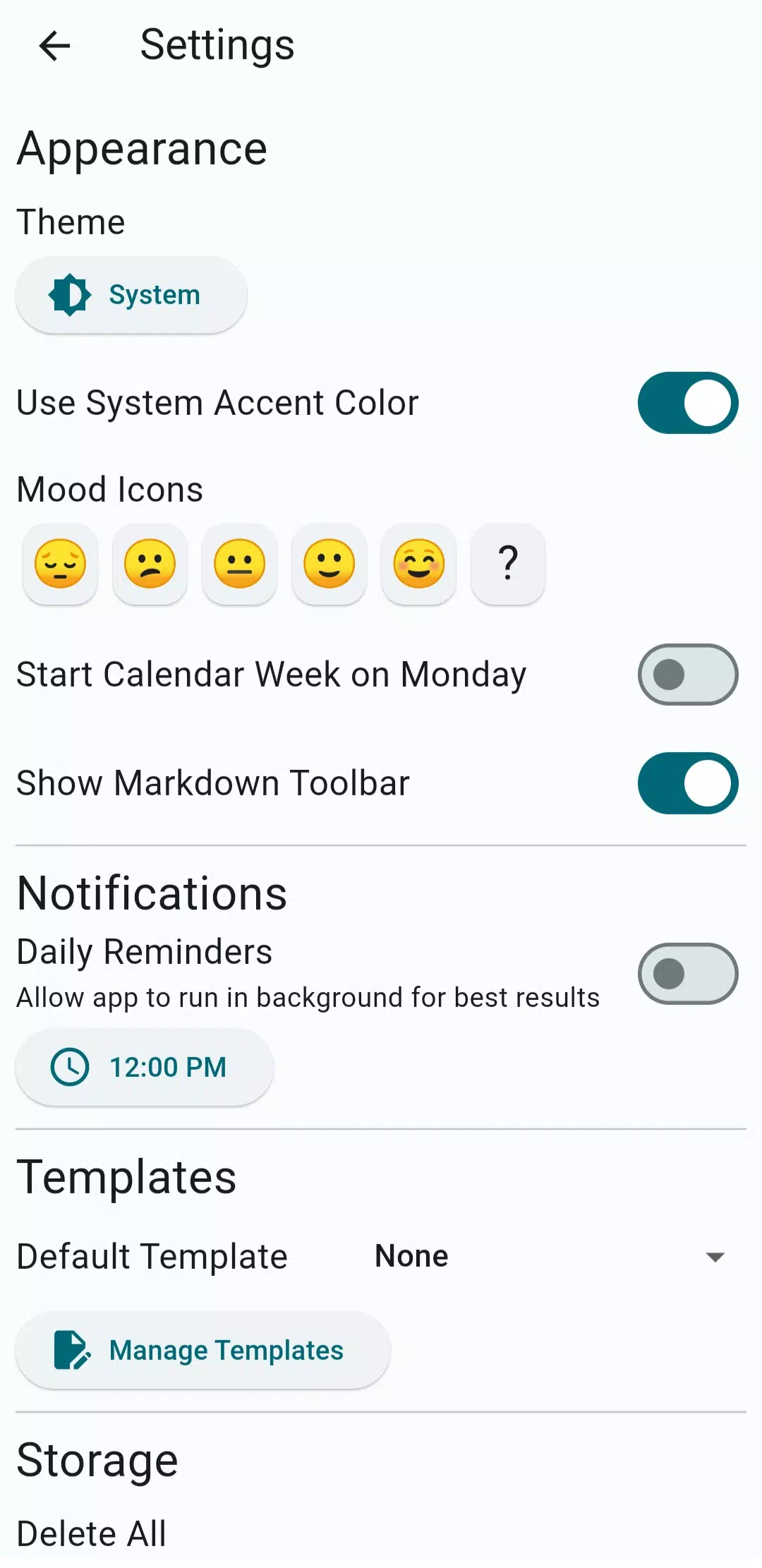
What's new
Version 4.0.1 is the newest build on APKBlade, updated 20 August 2026.
Create and share memes with Memes: Feelnotes APK, a fun app for expressing your thoughts and memories!
Discover Memes: Feelnotes APK for Android
Do you love memes? Are you always on the lookout for new ways to create and share funny and relatable content? If so, Memes: Feelnotes APK is the perfect app for you! This app is designed for meme lovers who want to add a personal touch to their memes.
With Memes: Feelnotes, you can easily create, customize, and share memes with your friends and family. Let’s dive into what makes this app so special and how you can download it directly to your Android device.
What is Memes: Feelnotes APK?
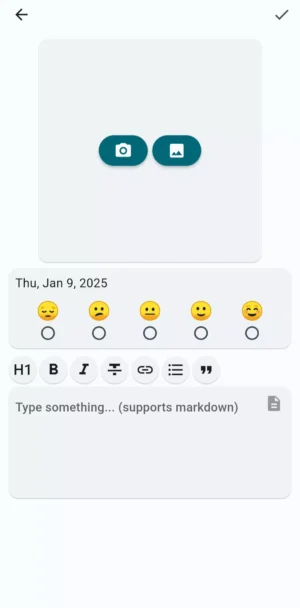
Memes: Feelnotes APK is a fun and creative app that allows you to make your own memes. Whether you want to add funny text to a picture or create a meme from scratch, this app has all the tools you need.
You can add personalized text, graphics, and even record your thoughts to make each meme unique. It’s not just about creating memes; it’s about expressing yourself and sharing your thoughts in a fun way.
Key Features of Memes: Feelnotes
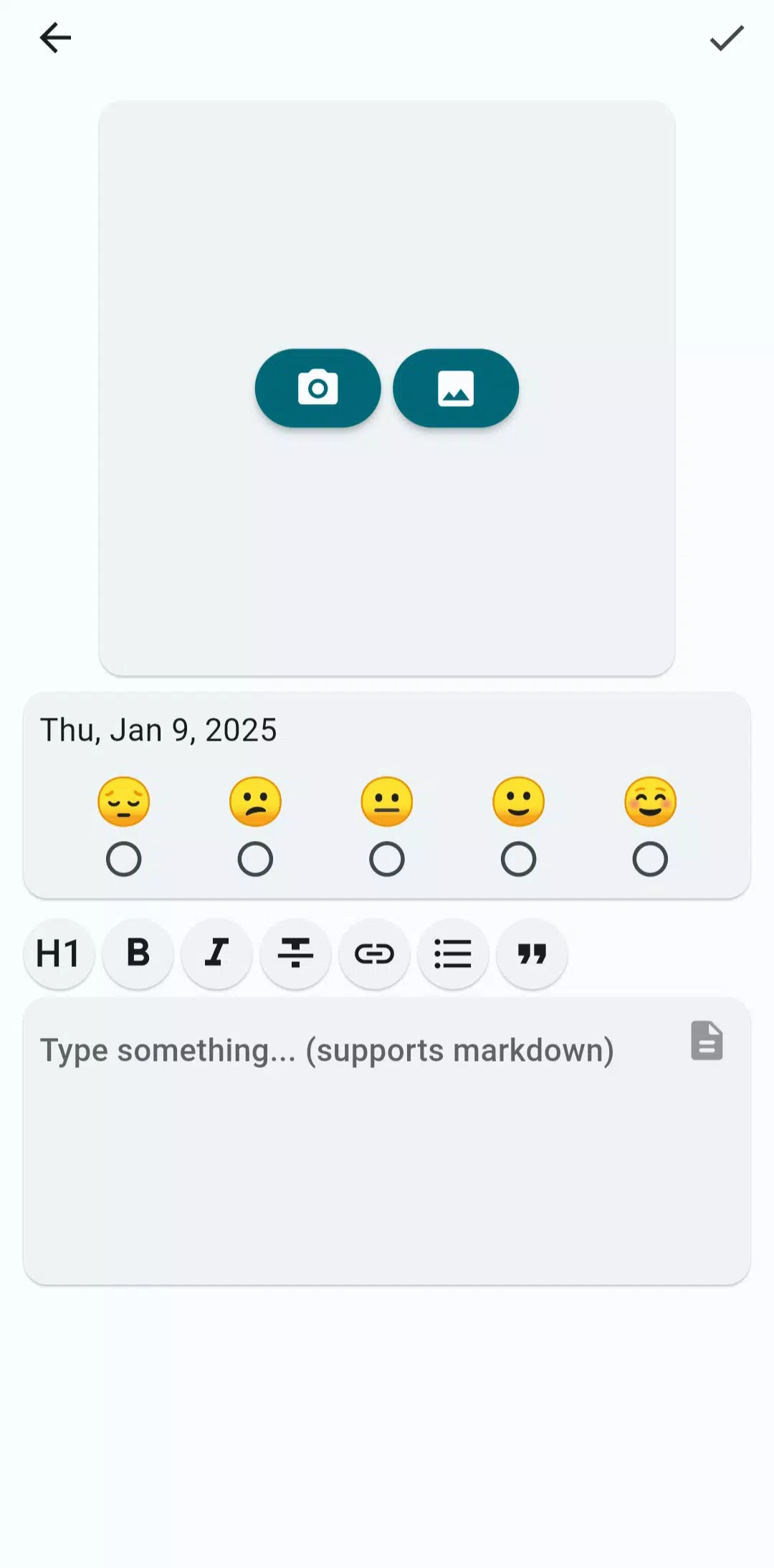
- Create Personalized Memes: Add your own text and graphics to make each meme your own.
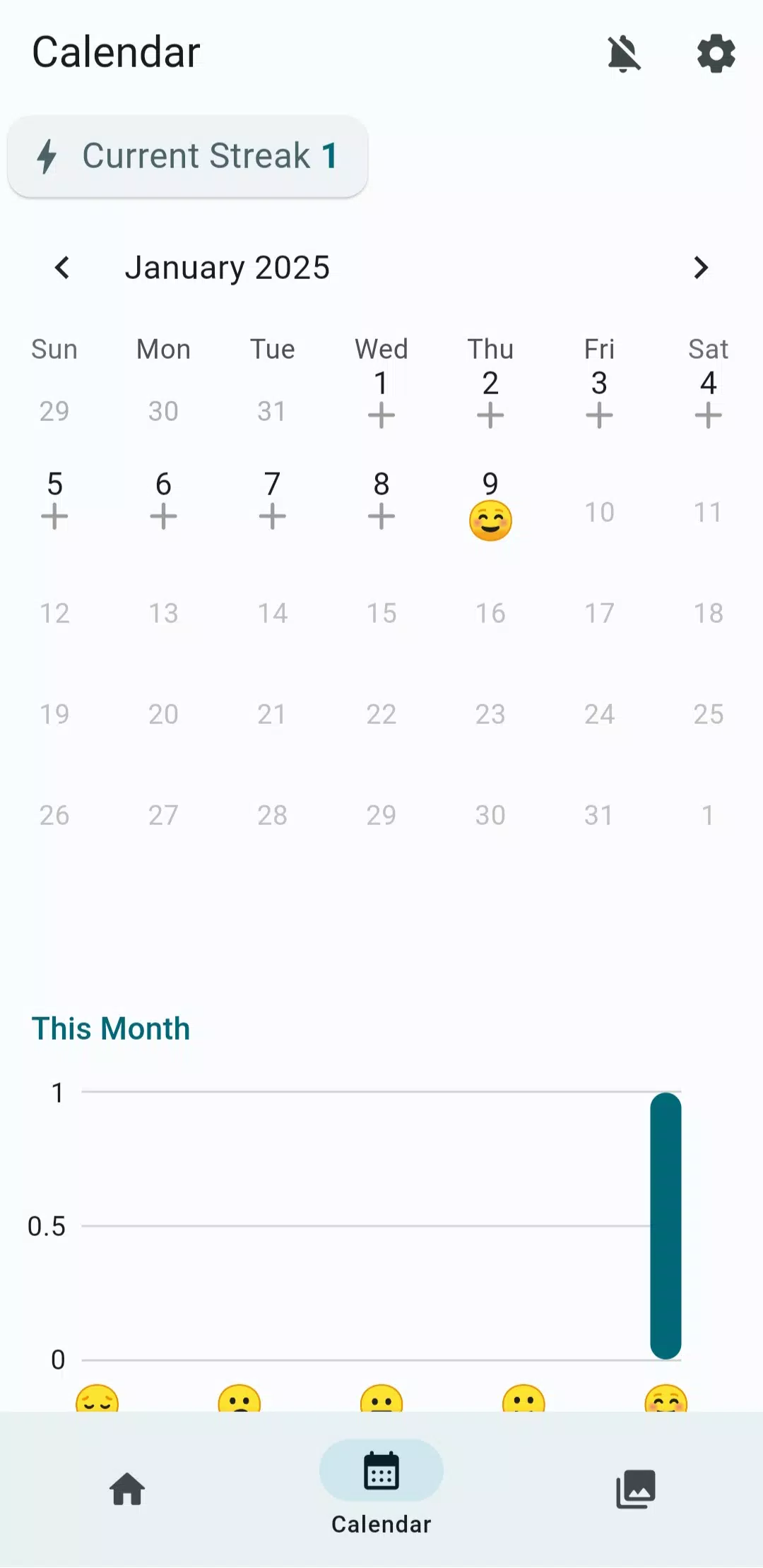
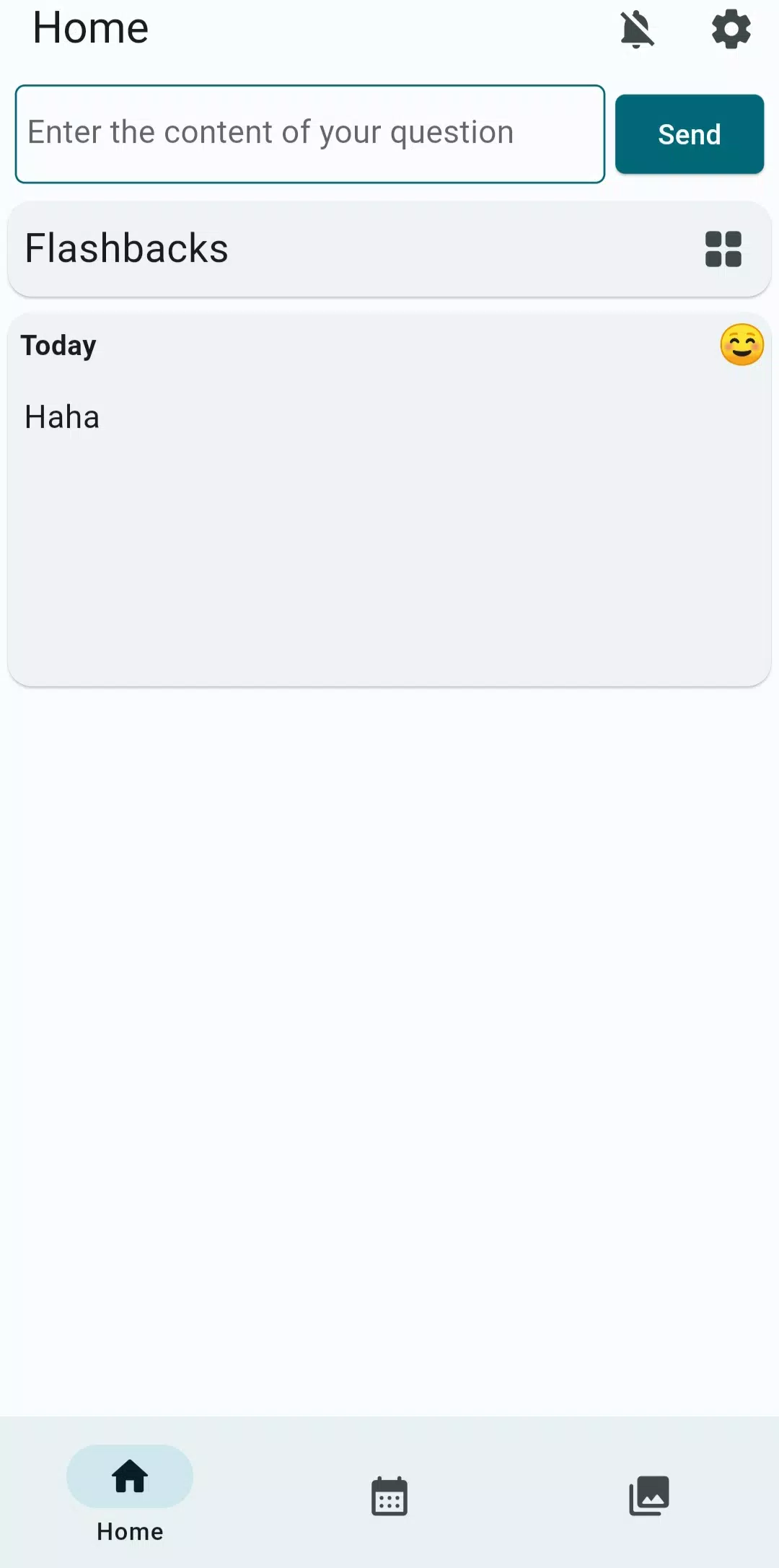
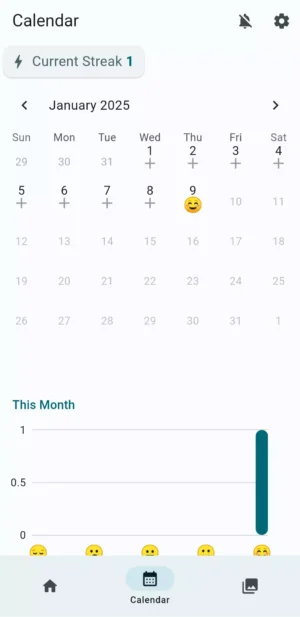
- Daily Logs: Record your daily thoughts and feelings, turning them into memes.
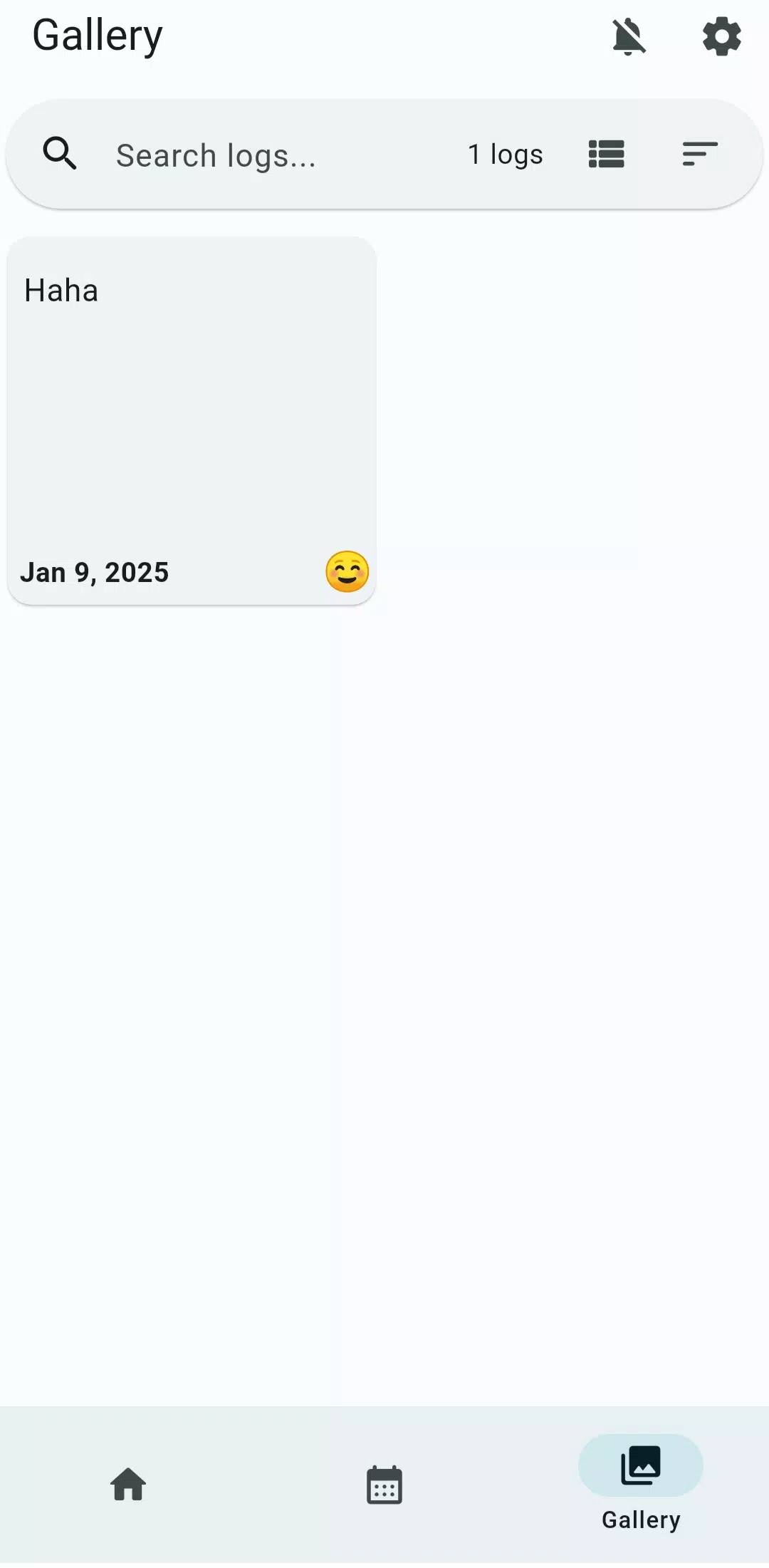
- Photo Memories: Keep a collection of your favorite photos and turn them into memes.
- Reminder Notifications: Never forget to capture a moment with helpful reminders.
- Mood Recording: Track your mood and express it through memes.
Why Choose Memes: Feelnotes?
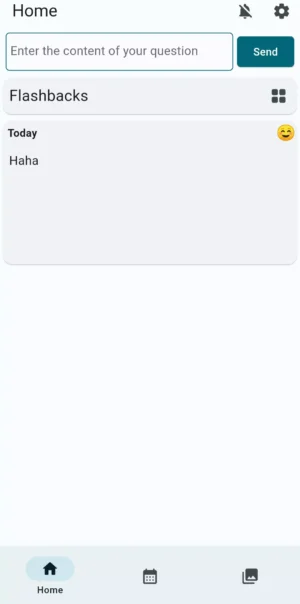
Memes: Feelnotes is more than just a meme creator; it’s a comprehensive journaling app that helps you capture and preserve everyday moments. Imagine being able to look back at your daily logs and see how you felt on a particular day, all expressed through memes. It’s a fun and creative way to keep a diary and share your life with others. Plus, it’s super easy to use, making it perfect for both kids and adults.
Benefits of Using Memes: Feelnotes
- Express Yourself: Share your thoughts and feelings in a creative way.
- Stay Connected: Share your memes with friends and family, keeping them updated on your life.
- Boost Creativity: Experiment with different texts and graphics to create unique memes.
- Easy to Use: The app is user-friendly, making meme creation a breeze.
How to Download Memes: Feelnotes APK
Downloading Memes: Feelnotes APK is quick and easy. Follow these simple steps to get started:
- Download the APK File: Click the download button provided at the top to get the latest version of Memes: Feelnotes APK.
- Enable Unknown Sources: Go to your device settings, navigate to security, and enable the installation of apps from unknown sources.
- Install the APK: Open the downloaded file and follow the on-screen instructions to install the app.
- Launch the App: Once installed, open the app and start creating your personalized memes.
Important Tips for Installation
- Ensure you have enough storage space on your device before downloading.
- Always download the APK from a trusted source to avoid any security issues.
- Keep your app updated to enjoy the latest features and improvements.
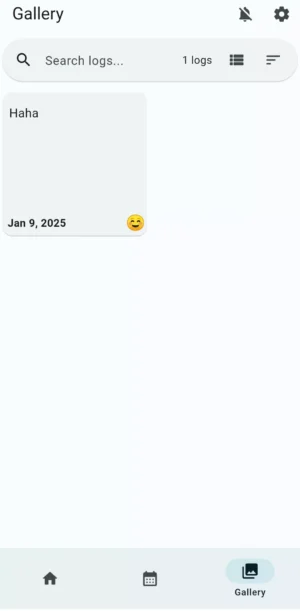
Keeping Memories Alive with Memes: Feelnotes
Every day is worth remembering, and Memes: Feelnotes helps you do just that. By turning your daily logs into memes, you can create a visual diary that’s both fun and meaningful. Whether it’s a funny moment, a special occasion, or just a regular day, Memes: Feelnotes lets you capture it all in a unique way.
How to Make the Most of Memes: Feelnotes
- Regularly Update Your Logs: Make it a habit to record your thoughts and feelings daily.
- Experiment with Different Styles: Try out various fonts, colors, and graphics to find your signature meme style.
- Share Your Creations: Don’t keep your memes to yourself! Share them with friends and family to spread joy and laughter.
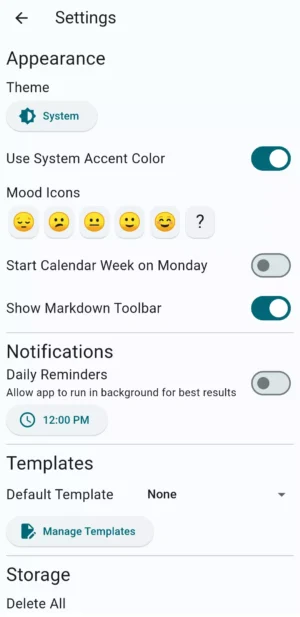
Conclusion
Memes: Feelnotes APK is a fantastic app for anyone who loves memes and wants to express themselves creatively. With its easy-to-use features and personalized options, you can create memes that truly reflect your personality and experiences. Download the app today and start capturing your life’s moments in a fun and memorable way. Remember, every day is worth a meme!
More About Memes: Feelnotes
| Name | Memes: Feelnotes |
|---|---|
| Package Name | com.maoq.daily_time |
| Category | Tools |
| Version | 4.0.1 |
| Size | 52.5 MB |
| Requires Android | 5.0 and up |
| Developer | Tessan |
| Last Updated | 20 August 2026 |
How to Install Memes: Feelnotes
- Tap the download button and let the file finish.
- Open the file from your notifications or the Downloads folder.
- If Android asks, allow your browser to install unknown apps.
- Tap Install, then open the app.
This download is a XAPK file. Follow the XAPK install guide.
FAQ'S
How to install Memes: Feelnotes .xapk?
Simply download this XAPK Installer from Play store - Download. Open the XAPK Installer app & follow on screen instructions to install the XAPK.
I am getting Play Protect warning while installing!
Some mod APK files might get a warning. You can ignore this warning and install the APK file. Follow these simple steps to turn off Play Protect: Open Google Play app > Click Profile Icon > Select Play Protect -> Setting > Turn off both "Scan apps with Play Protect" and "Improve harmful app detection" options.
How to update APK without losing the data?
To update APK without losing the data, you don't need to follow anything extra. Click on the downloaded APK file and click the "Install" button. The app will update automatically without loss of data.
How to fix problems while installing/opening?
Make sure you have downloaded the file correctly. The downloaded file extension must end with .apk file. If you face any package install error, redownloading the file may fix the issue.


















Ratings and reviews
There are no reviews yet. Be the first one to write one.